A 3D model and drawing mismatch can make two CNC quotations appear comparable when they describe different parts. One supplier may price the modeled pocket depth while another follows the drawing. The resulting difference can affect machining, inspection and assembly, not just cost.
Before requesting a firm quotation, identify the conflicting requirement, obtain a decision from the design owner and issue a consistent package. The following workflow helps engineering and purchasing teams resolve discrepancies without asking a machinist to guess the intended design.
Confirm which files belong to the same release
Start with the part number, revision, release status and units. Compare the drawing title block with the model identifier and the RFQ description. A recent file timestamp does not establish design authority: an old model exported yesterday is still an old design.
Create a short file register listing the native CAD file, neutral export, drawing and any specifications. Record their revisions and identify who approved the package. Keep historical files outside the active RFQ folder so they cannot be mistaken for manufacturing inputs.
Ask whether the drawing, model-based definition or a defined combination controls each requirement. Avoid blanket assumptions that either the drawing or model always takes precedence. ASME Y14.41 addresses preparation and revision of digital product definition data; the applicable requirements and edition still need to be identified for the project.
Separate a real conflict from missing information
A model may show nominal geometry while a drawing supplies tolerances, threads, surface texture and processing notes. That division can be intentional. A conflict occurs when the supplied requirements cannot be satisfied together, or when the intended interpretation is unclear.
- Geometry: compare hole locations, pocket depths, wall thicknesses, radii and the number of repeated features.
- Feature definition: check whether a hole is plain, tapped, counterbored or countersunk, including depth and thread requirements.
- Acceptance: review datums, dimensional tolerances and surface requirements against the feature they describe.
- Part condition: establish whether dimensions apply before or after coating, heat treatment or another operation.
Do not measure a PDF illustration to override an explicit dimension. Likewise, a feature that looks smooth in a viewer does not establish its surface-texture requirement.
Check the exported model before changing the design
Sometimes the native model is correct but the file sent for quotation is incomplete. Reopen the actual export, rather than relying on the source CAD window. Check units, body count, orientation, missing surfaces and the features discussed in the drawing.
NIST's STEP File Analyzer and Viewer documentation distinguishes computer-interpretable product and manufacturing information from graphical annotations. A visible annotation and usable semantic data are not the same thing. Confirm what the receiving software actually imports, especially when the RFQ relies on model annotations.
If an export problem is suspected, ask the design owner to regenerate the file and verify it. Import checks can help identify transfer errors, but they cannot decide which conflicting design requirement is correct.
Write a discrepancy request that can be answered
Give each issue a number. State the affected feature, both conflicting definitions, the relevant filenames and the decision needed. Add a marked screenshot for location, while keeping the controlled files as the technical reference.
Hypothetical example: a housing drawing calls out a blind tapped hole, but the supplied model shows a through hole. Instead of asking “Which file is right?”, ask the design owner to confirm the intended hole condition, required thread depth and whether the opposite face must remain closed. Those answers may change tooling access, inspection and the suitability of the current wall geometry.
Record the approved answer and whether it requires a revised drawing, model or both. An informal explanation should not remain detached from the documents used for production.
Keep conditional pricing separate from production release
If purchasing needs an early budget, request a quotation with explicit assumptions and exclusions. List unresolved issues and ask which could change price or lead time. Do not let a conditional estimate become an accidental authorization to manufacture.
Once decisions are approved, issue the replacement package, identify the superseded files and ask the supplier to confirm the revision used for its quotation. Recheck the purchase-order description against that quotation before releasing work.
Send a clear CNC RFQ package
For a CNC machining review, include matching models and drawings, material and condition, quantities, finish requirements, critical features and required inspection records. Attach the closed discrepancy list if it explains a recent revision.
Ready to discuss a part? Send GPT Precision your RFQ with the current release and any unresolved questions. Make the agreed technical definition the starting point for reviewing process, inspection scope and delivery requirements.



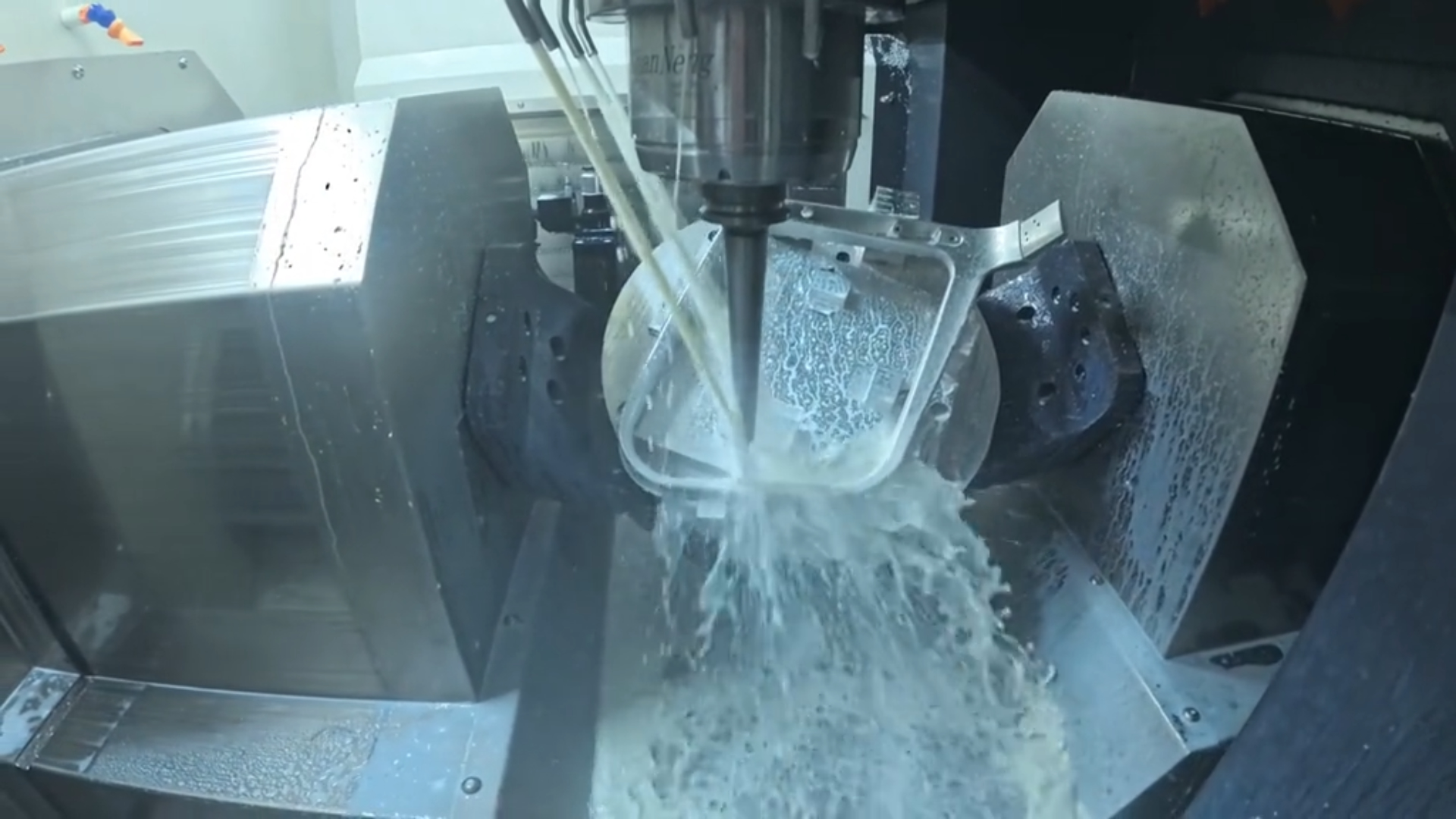 The Ultimate Guide to 3-Axis, 4-Axis, and 5-Axis CNC Machining
 Common Problems and Solutions in CNC Machining
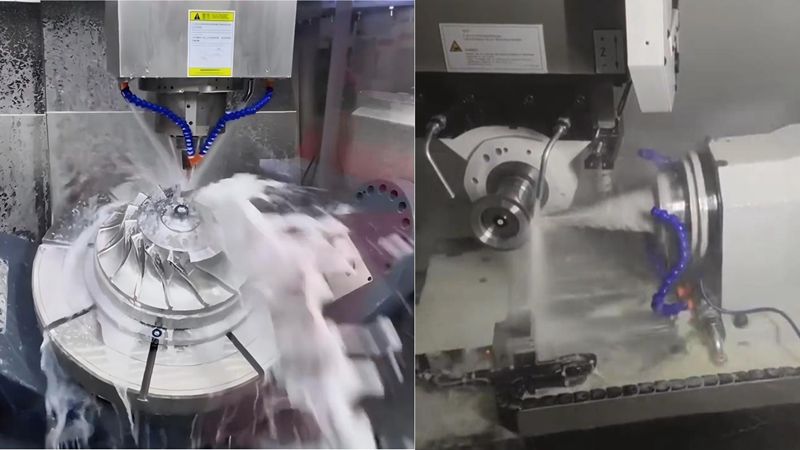 CNC Milling vs CNC Turning-The Differences